
When Spreadsheets Work Well
Spreadsheets are powerful, flexible tools. For many small businesses, they're the right choice. A single spreadsheet can track inventory, manage customer lists, or record sales without requiring expensive software.
But as your business grows, the limitations start to show.
The Challenges That Emerge
Version Confusion
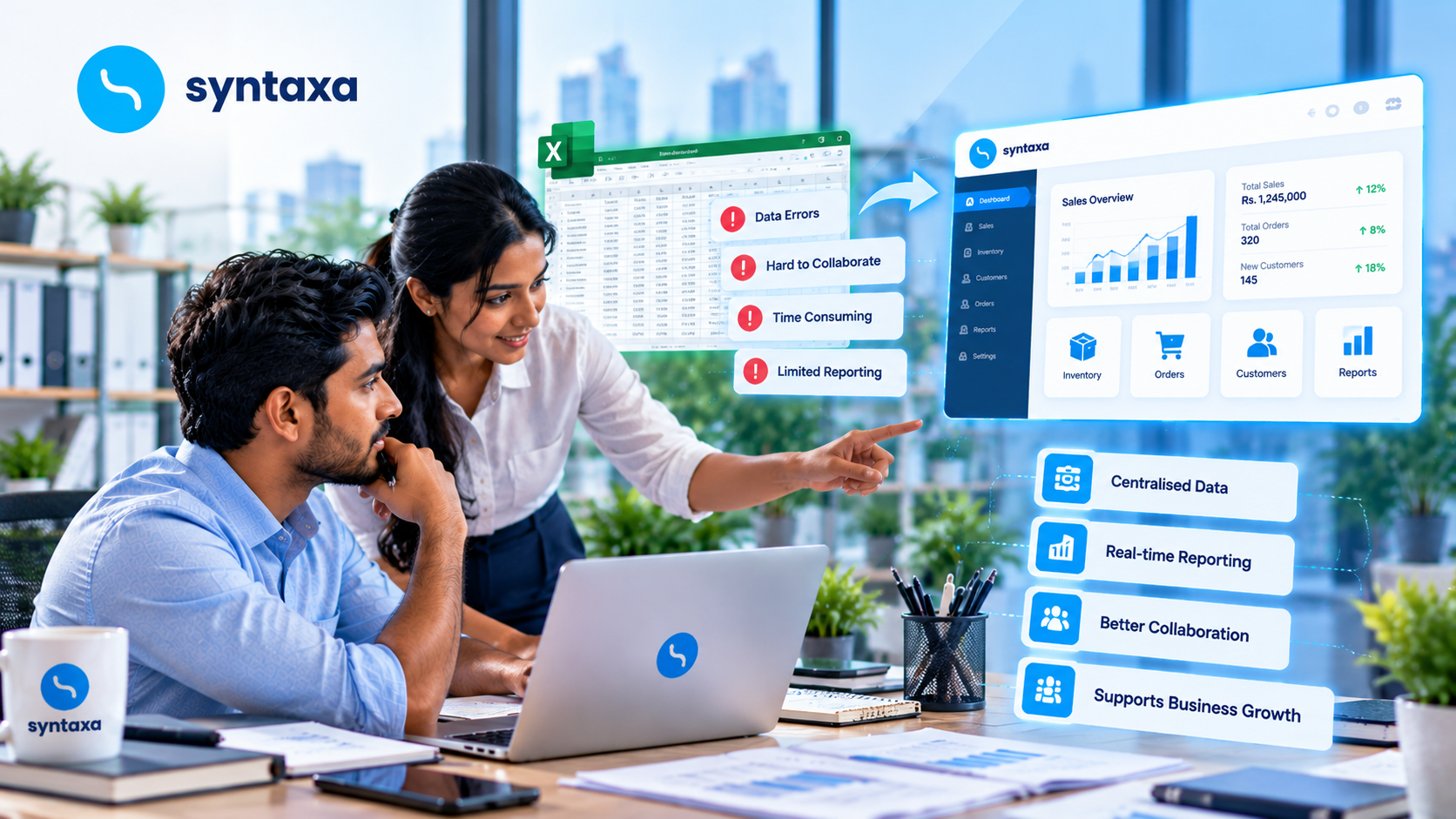
Your sales team updates a customer spreadsheet. Your operations team has their own version. Someone emails an updated copy, and now there are three versions in circulation. Which one is correct?
When multiple people need access to the same data, spreadsheets become difficult to keep synchronized. Mistakes happen. Information gets lost. People work with outdated data.
Limited Access and Collaboration
Your warehouse manager needs to check stock levels, but the inventory spreadsheet is saved on the owner's computer. Your sales rep is meeting a customer and needs to confirm product availability, but they can't access the file from their phone.
Spreadsheets stored locally or shared via email make it difficult for teams to access information when they need it—especially when people are working from different locations.
Manual Data Entry
A customer places an order on your website. Someone downloads the order details and manually types them into your sales spreadsheet. Then they update the inventory spreadsheet. Then they create an invoice in a separate document.
Every manual transfer increases the chance of a mistake. A wrong quantity, a misspelled name, or a missed entry can create problems downstream.
Difficult Reporting
At the end of the month, you need a sales report. You open your sales spreadsheet and start filtering, calculating totals, and copying data into a new sheet. It takes hours, and if you need to answer a different question next week, you start the process again.
Spreadsheets can generate reports, but building them manually every time is time-consuming and prone to error.
No Built-in Permissions
Everyone who has access to your spreadsheet can see everything—customer details, pricing information, financials. You can't easily restrict what different team members can view or edit.
As your business grows and more people need access to your data, managing permissions and data security becomes harder.
When It's Time to Consider a Business System
If your business is experiencing several of these challenges, a dedicated business management system might be a better fit:
- Multiple people need simultaneous access to the same data from different locations
- You're manually entering the same information into multiple spreadsheets or systems
- Version control is becoming a problem—people are working with outdated or conflicting data
- Reporting takes too long, and you need faster access to business insights
- You need better control over who can see and edit different types of information
What a Business System Provides
Centralized, Real-Time Data
Everyone works from the same system. When someone updates inventory, the change is immediately visible to everyone with access. No more version confusion.
Role-Based Access
Your sales team sees customer and order data. Your warehouse team sees inventory and fulfillment. Your accountant sees financial reports. Each person gets access to the information they need—and nothing more.
Automated Workflows
A new order automatically updates inventory, creates an invoice, and notifies the fulfillment team. Data flows between different parts of your business without manual entry.
Built-in Reporting
Want to see this month's sales by product category? Last quarter's best-performing customers? Current stock levels across all locations? Reports are generated instantly, with up-to-date data.
Mobile Access
Your team can check inventory, update orders, or view customer details from their phones—wherever they're working.
Transitioning From Spreadsheets
Moving from spreadsheets to a business system doesn't mean starting from scratch. Your existing data can be migrated. Your team can be trained gradually. The system can be built around how your business actually operates.
For many Sri Lankan SMEs, the transition happens in stages:
- Start with one area—like sales tracking or inventory management
- Move data gradually rather than trying to migrate everything at once
- Run the new system alongside spreadsheets until your team is confident
- Expand to other areas once the first system is working smoothly
The Takeaway
Spreadsheets are excellent tools—until they're not. When your business reaches a point where multiple people need simultaneous access, where manual data entry is creating inefficiency, or where reporting is taking too long, it's worth exploring a more structured business management system.
The goal isn't to adopt technology for its own sake. It's to ensure your business systems support growth rather than hold it back.
Next Steps
If disconnected spreadsheets are making daily operations harder, SYNTAXA can help you build a business management system designed around your workflows—without unnecessary complexity.